See it working, on made-up data
Reading about a question-and-answer tool only gets you so far. We run a demonstration server you can sign into now — no form to fill in, nothing to install, no salesperson.
Username demo · Password demo-pass
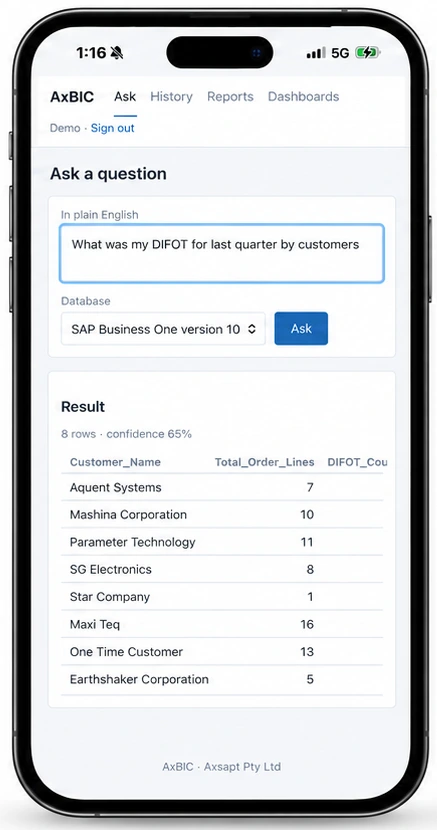
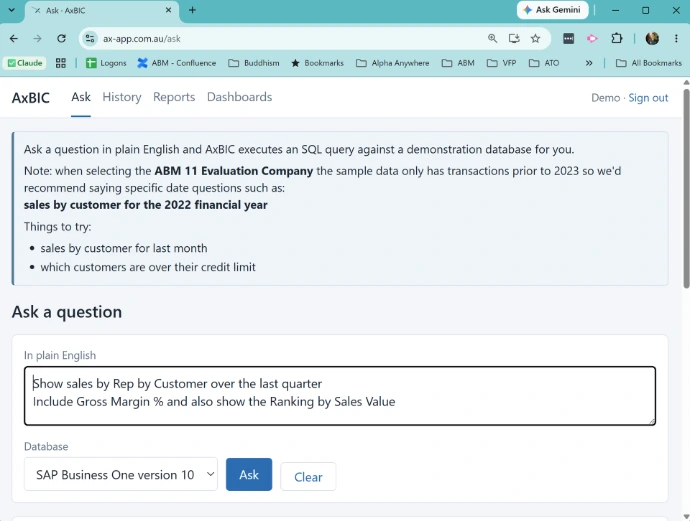
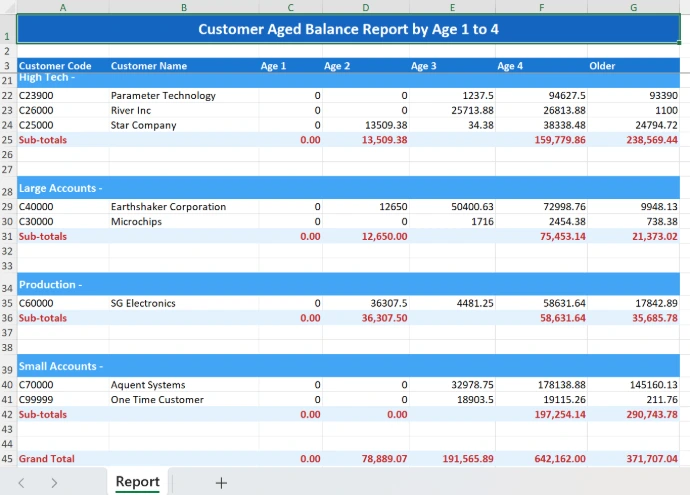
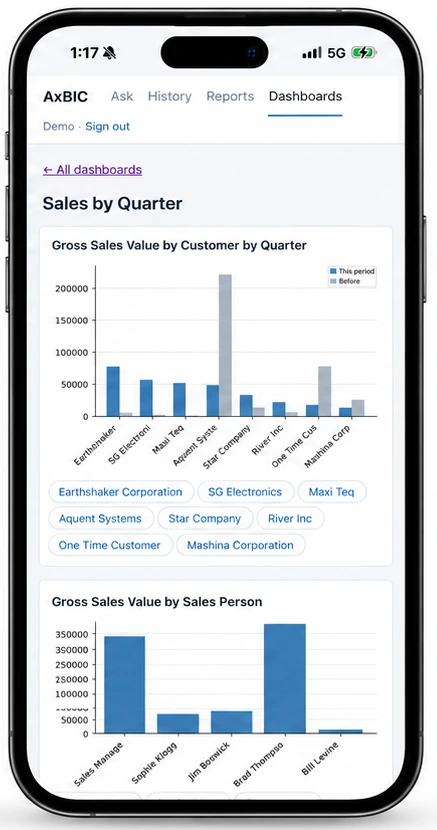
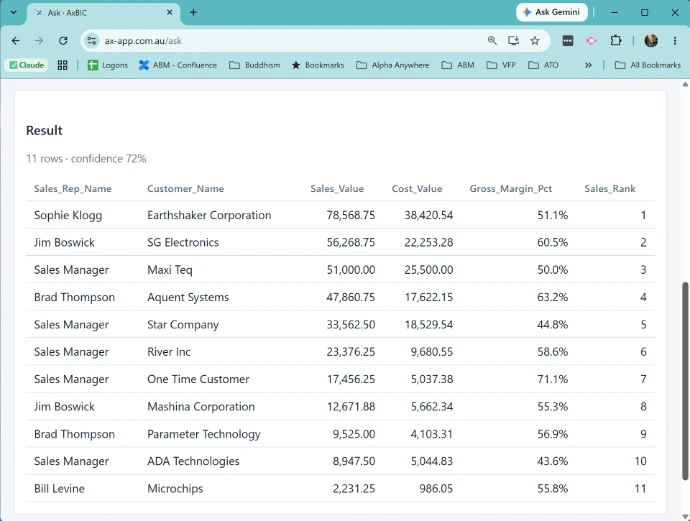
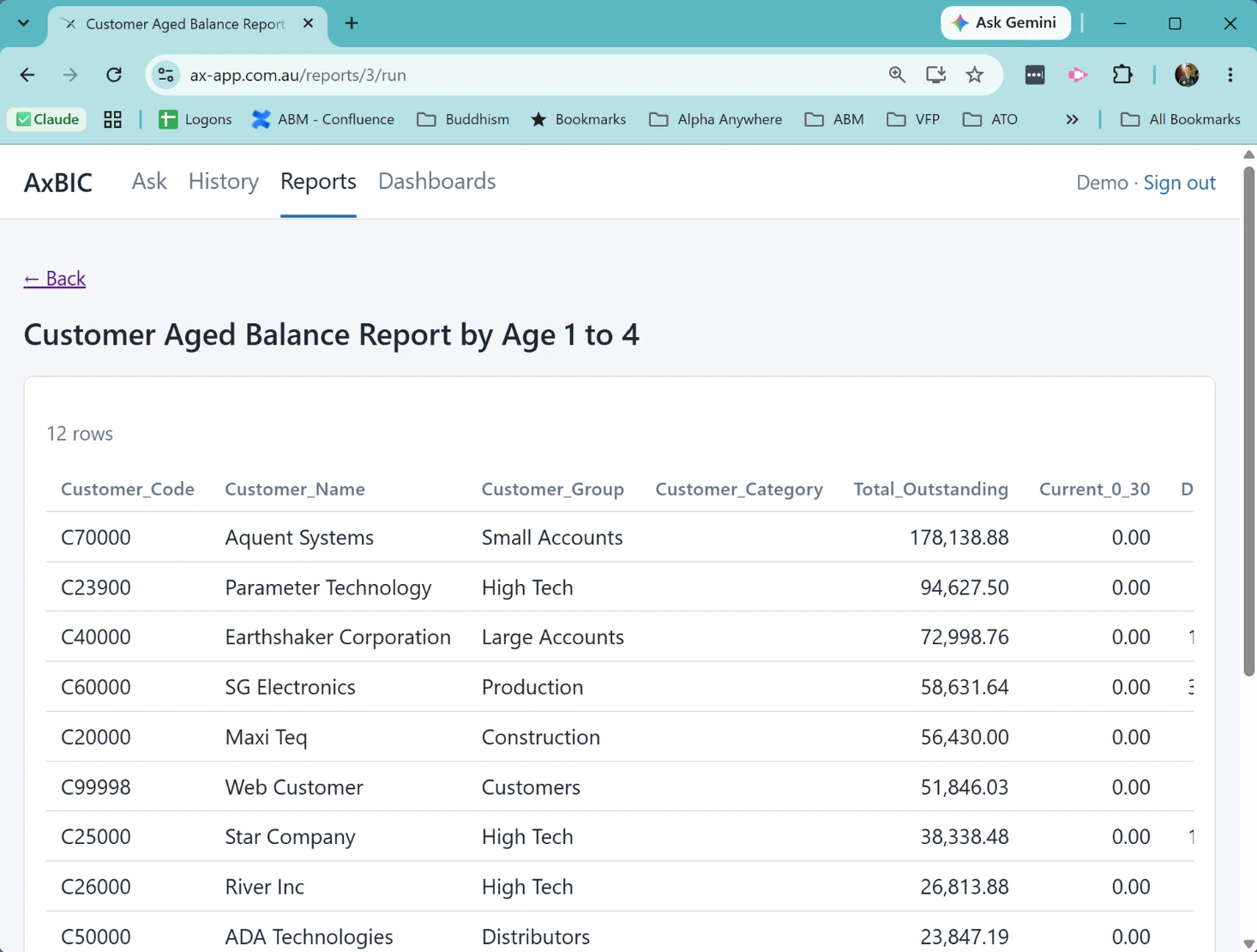
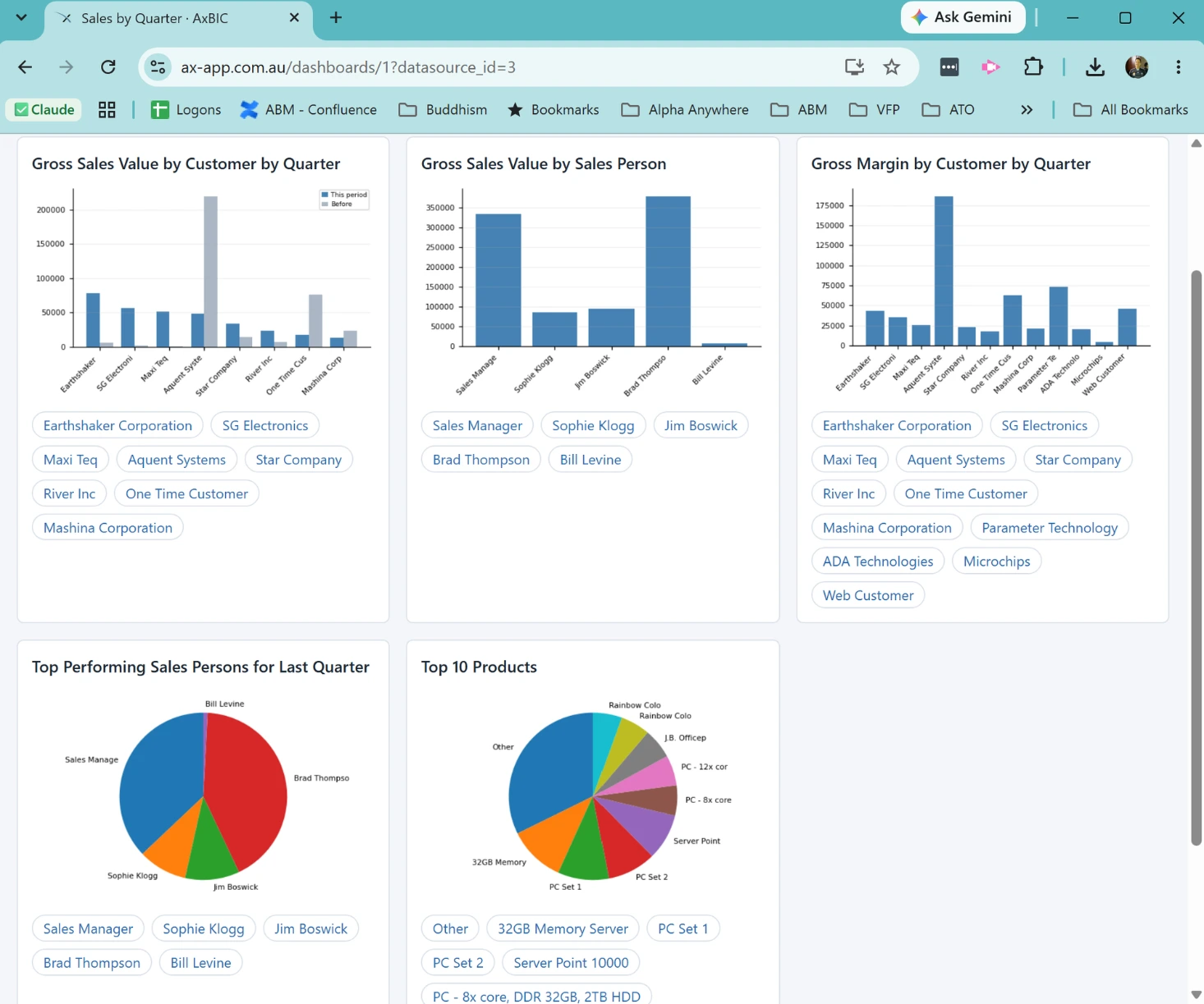
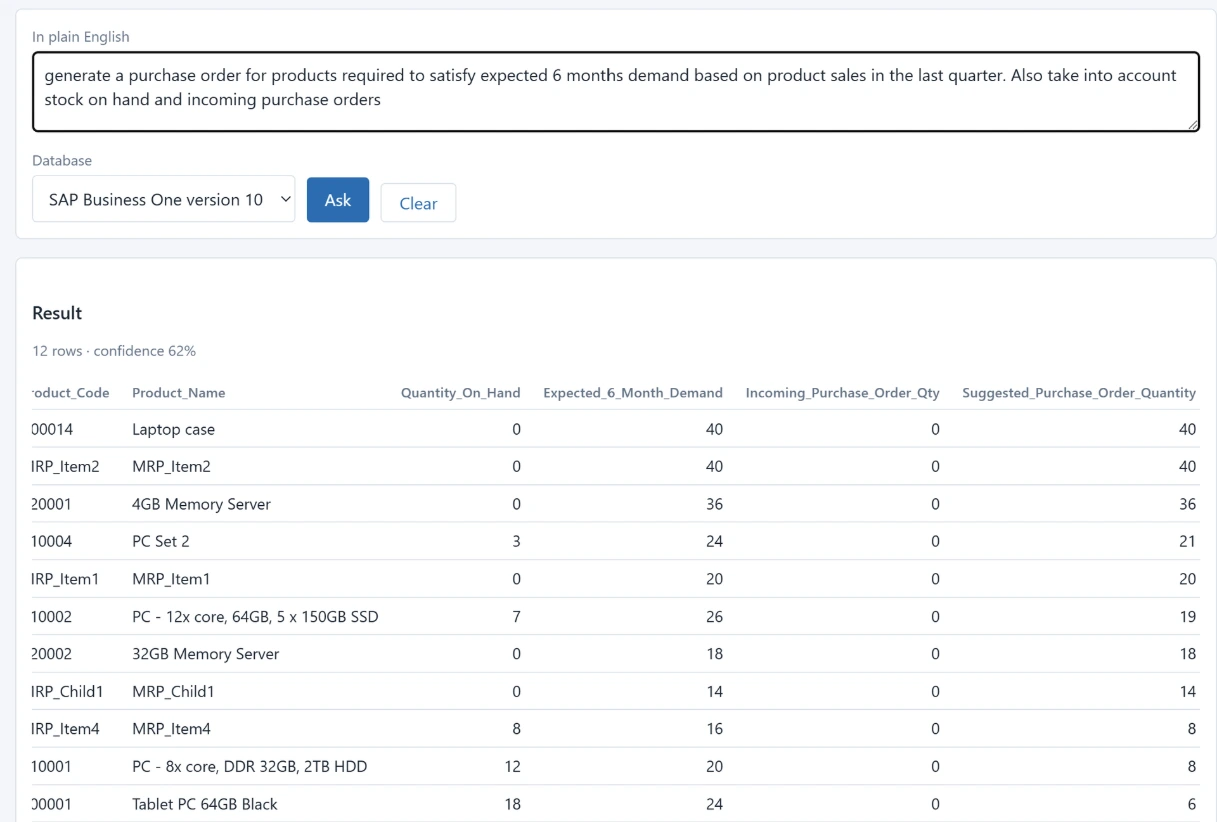
Ask it something in plain English — what did we sell last month, which customers are over their credit limit — and read the answer. Run one of the reports. Open a dashboard. Export something to Excel.
Everything you see is the product as it ships. The only thing that isn't real is the data: the company, the customers and the figures are invented, so you can click anything without wondering whose numbers you're looking at.
When you want it on your own data, it installs on one server inside your business and reads your ERP database directly. Nothing leaves your network.
What they can do
- Ask a question in plain English and read the result
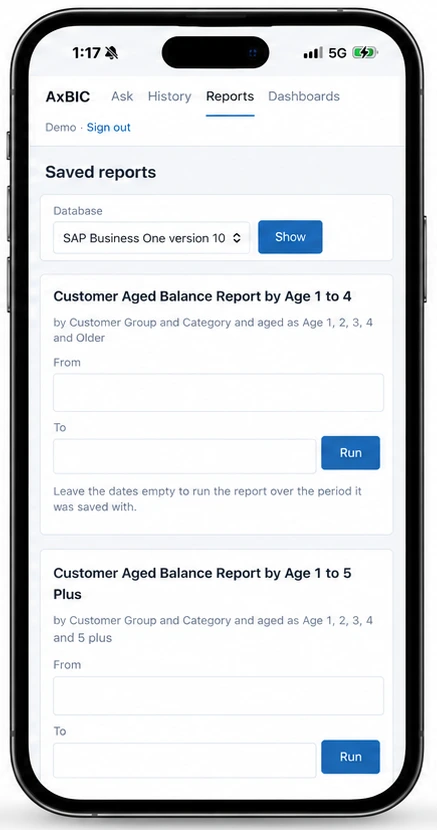
- Run a report somebody has already built, for a period they choose
- Open a dashboard and look at its tiles
- Take any of it away as an Excel workbook or a CSV file
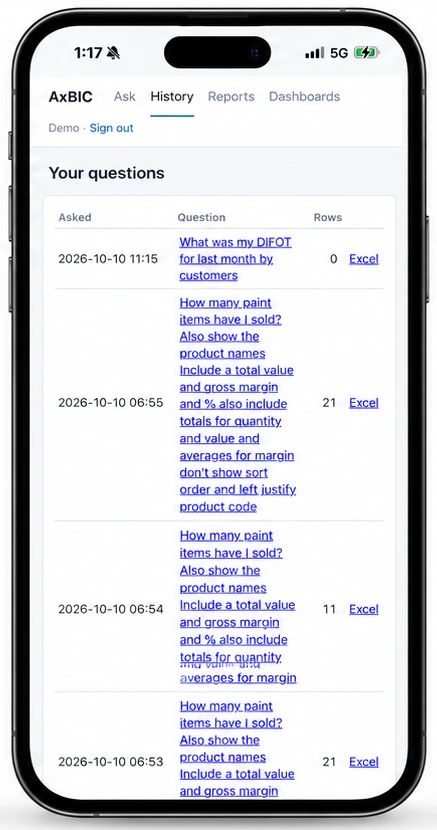
- Look back over the questions they have asked
What stays on the desktop
Building things. Reports, dashboards, schedules, users and data sources are all set up in the AxBIC desktop application, as they are now. The browser runs what the desktop builds.
That is a deliberate line, not a list of things we haven't got to yet. The Report Builder is most of what AxBIC is, and it isn't what somebody opens a browser for.
One person is one seat
Somebody signed in at their desk and in a browser counts once against your licence, not twice.
On a phone, tablet and desktop browser
On a phone or tablet, the browser offers to add AxBIC to the home screen. It then has its own icon and opens in its own window.
Nothing is stored on the device. Every figure AxBIC shows is read from your database at the moment somebody asks for it — so a phone that's lost or handed on has none of your data on it.
Installed once, on your own server
It's a Windows service installed on one server inside your business, alongside the SQL Server your ERP system already uses. Your data never leaves it.
It will not start without a TLS certificate — that's enforced, not recommended, because a password sent over an unencrypted connection is a password anybody on the network can read. Repeated wrong passwords are slowed down automatically, and no account can ever be locked out by somebody guessing at it.
"Axsapt's AxBIC has completely transformed how we understand our sales trends and manage stock reordering. The insights are invaluable."
 Ray Lehrer
CEO, Uniformity